
Lynx – A Text based Web Browser for Linux
Who wants it anymore, we have fancy web browsers with graphical interface like Firefox and Chrome?. But this will be useful for a geek like me :D.
Linux is command-line friendly, even having graphical interface we do many things using command-line or most Linux based servers don’t have a GUI at all. So it’s a cool thing to have a web browser in terminal.
Now let’s see how we can install and use it. I’m using Ubuntu here. This will work on any favorite Linux distros.
Hit Ctrl + Alt + T to open Terminal and type. (We need to enter password for the account).
sudo apt-get install lynx
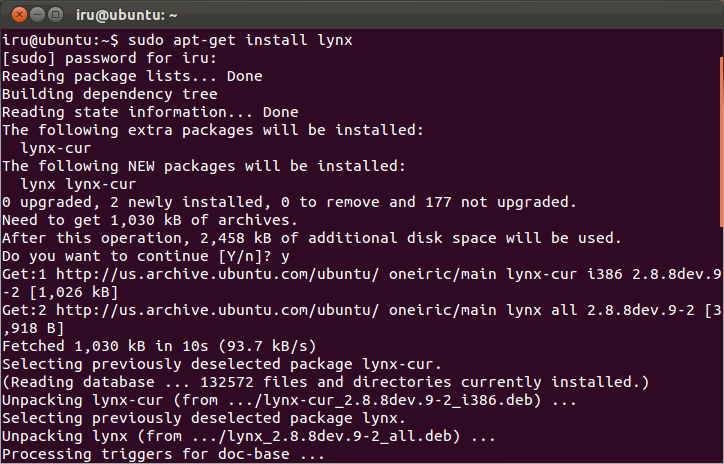
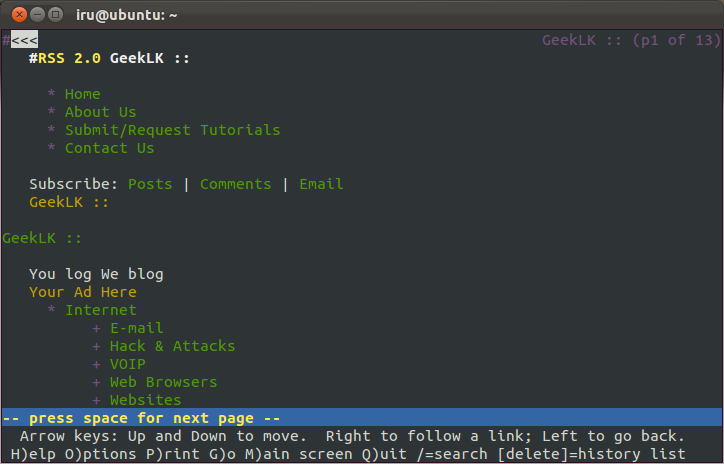
Now we have lynx installed. to browse web using lynx simply type.
lynx https://geeklk.com
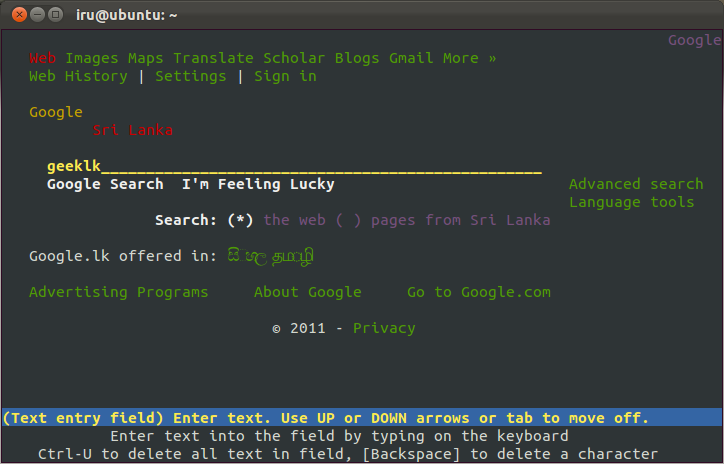
lynx http://goole.com We want to enable cookies. Say Yes when browser asks.
Freewares
Next Post
Setup Web-based File manager For Your Home Server
Freewares
Ubuntu Guide for Backup and Sync Files With Grsync
